> ## Documentation Index
> Fetch the complete documentation index at: https://docs.blinkops.com/llms.txt
> Use this file to discover all available pages before exploring further.
# String Utilities
> Utility actions for formatting, parsing, and transforming string data in Blink workflows.
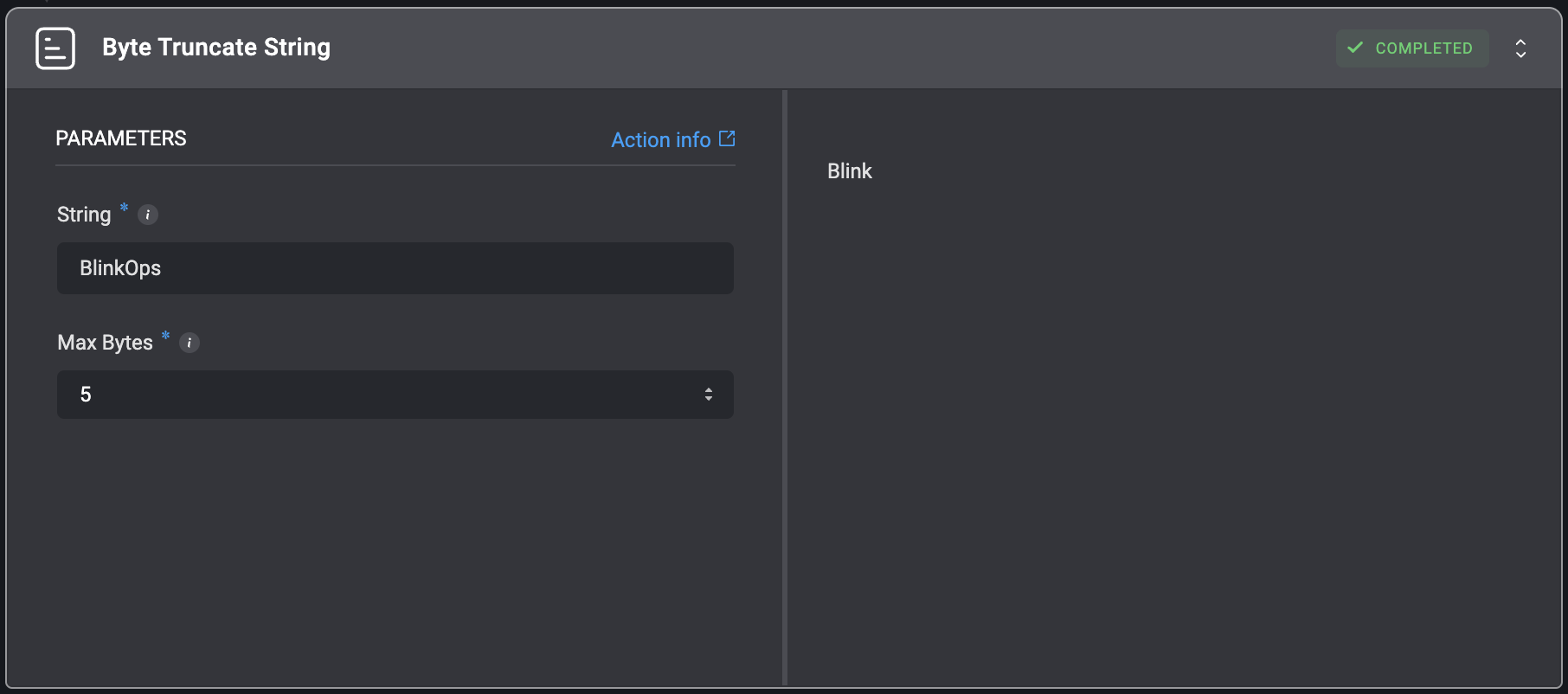
## Byte Truncate String
Truncate a string to a specified number of bytes while preserving UTF-8 character boundaries.
| Parameter | Description |
| --------- | -------------------------------------------------------------------------------------------------------------------------------------------------- |
| String | The input string to truncate. Can be provided with or without quotes. |
| Max Bytes | The maximum number of bytes for the truncated string.
Examples:
• `10` - 10 bytes
• `10000` - 10 kb
• `10000000` - 10 mb |
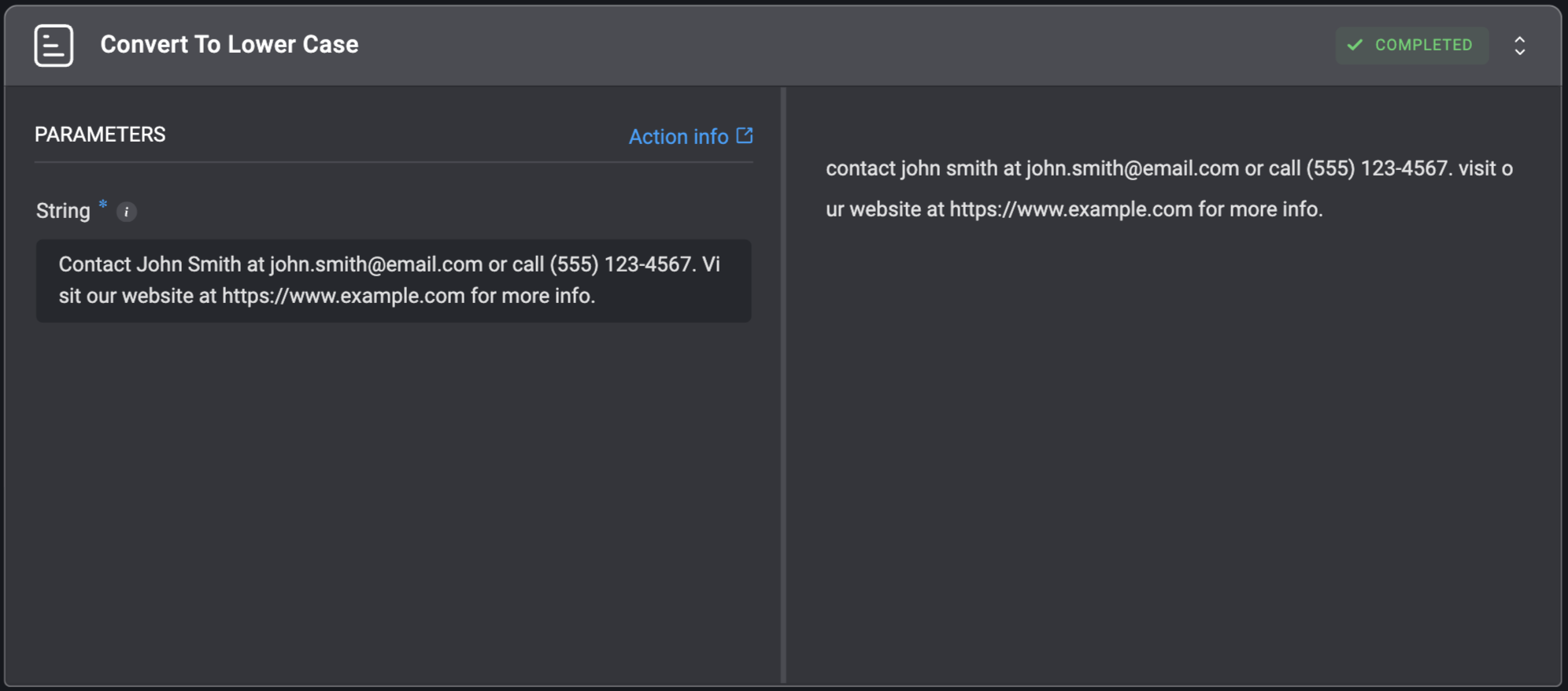
 ## Convert To Lower Case
Converts a string to lower case.
## Convert To Lower Case
Converts a string to lower case.
| Parameter | Description |
| --------- | ----------------------------------------------------------------------------------------------------------------------------------------- |
| String | The string which will be converted to lower case. For example: For the string - `Hello World`, the returned string will be: `hello world` |
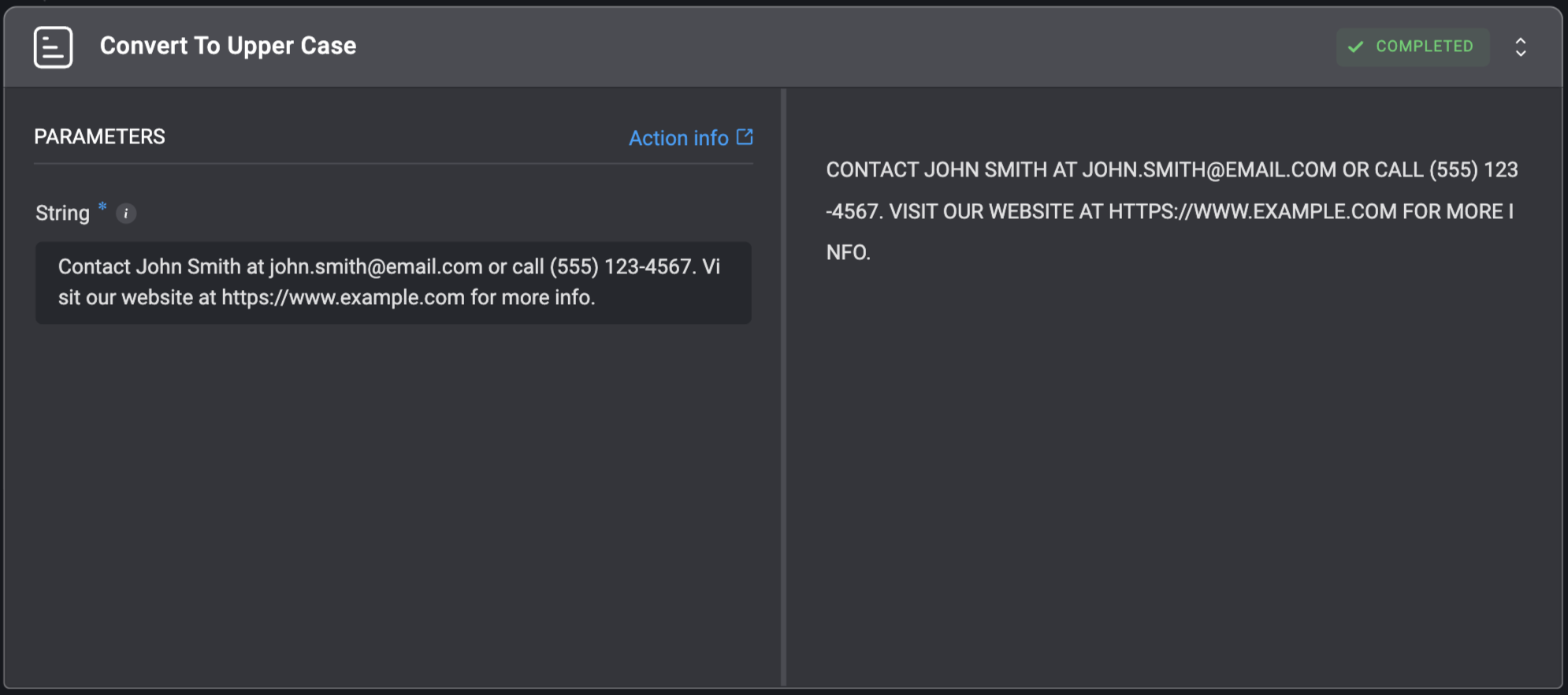
 ## Convert To Upper Case
Converts a string to upper case.
## Convert To Upper Case
Converts a string to upper case.
| Parameter | Description |
| --------- | ----------------------------------------------------------------------------------------------------------------------------------------- |
| String | The string which will be converted to upper case. For example: For the string - `Hello World`, the returned string will be: `HELLO WORLD` |
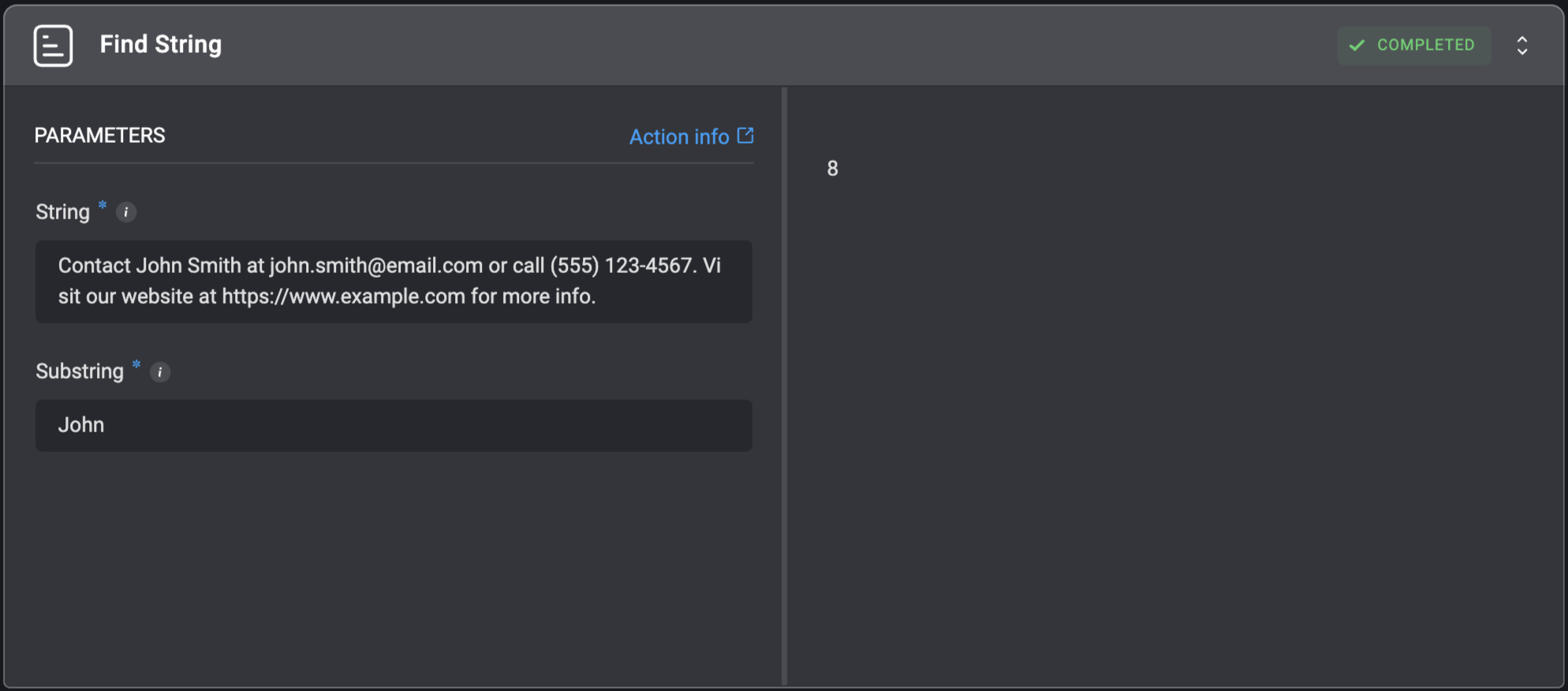
 ## Find String
Returns the index of the first occurrence of a substring within the given string. The action returns -1 if the value is not found.
## Find String
Returns the index of the first occurrence of a substring within the given string. The action returns -1 if the value is not found.
| Parameter | Description |
| --------- | ------------------------------------------------------- |
| String | The original string where the `Value` will be searched. |
| Substring | The substring to be find within the original `String`. |
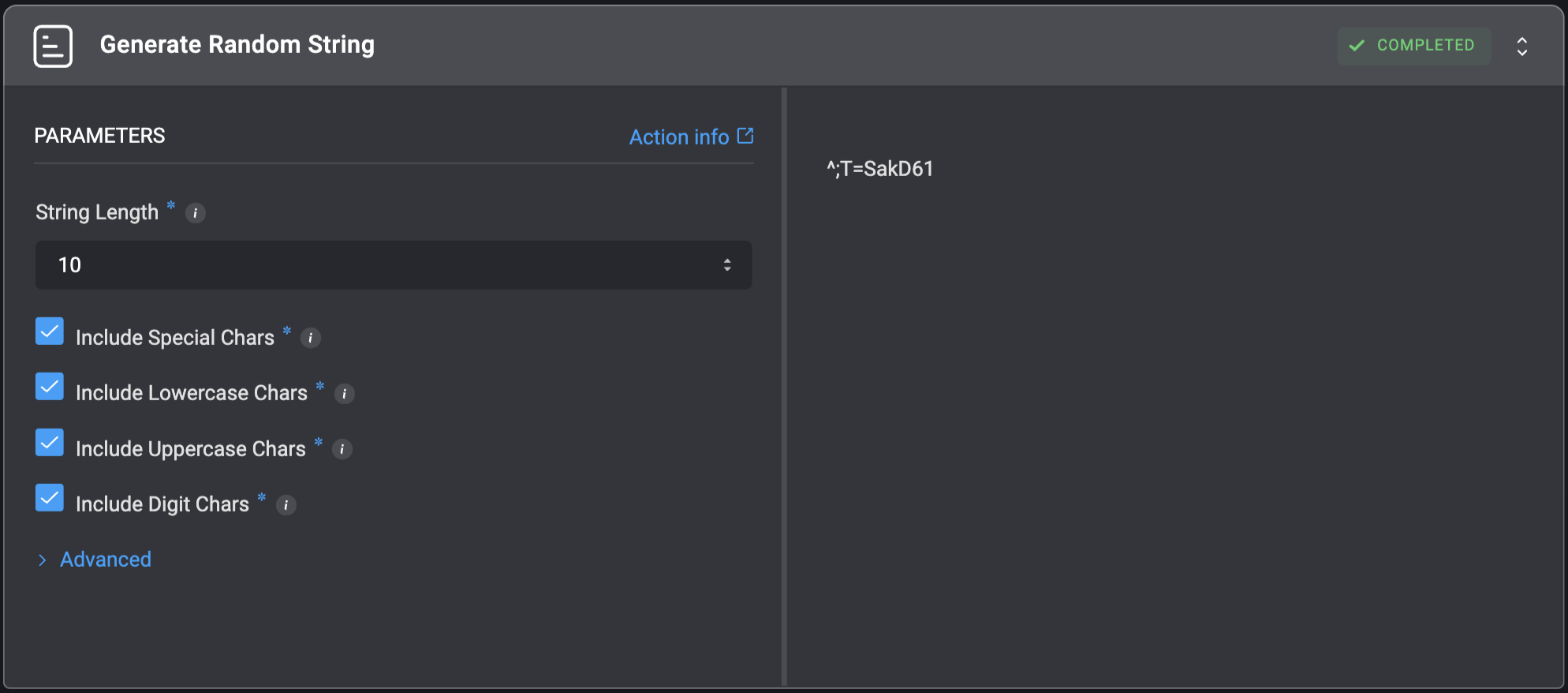
 ## Generate Random String
Generates a random string of specified length with the given character sets.
## Generate Random String
Generates a random string of specified length with the given character sets.
| Parameter | Description |
| ----------------------- | ------------------------------------------------------------------------------ |
| String Length | The length of the generated string, default 10. |
| Include Special Chars | `[!-*]` character set - `!@#$%&*`. |
| Include Uppercase Chars | `[A-Z]` character set - `ABCDEFGHIJKLMNOPQRSTUVWXYZ`. |
| Include Digit Chars | `[0-9]` character set - `0123456789`. |
| Custom Characters | 'Characters that will be appended to character pool. For example: `Bl1#K@p$`.' |
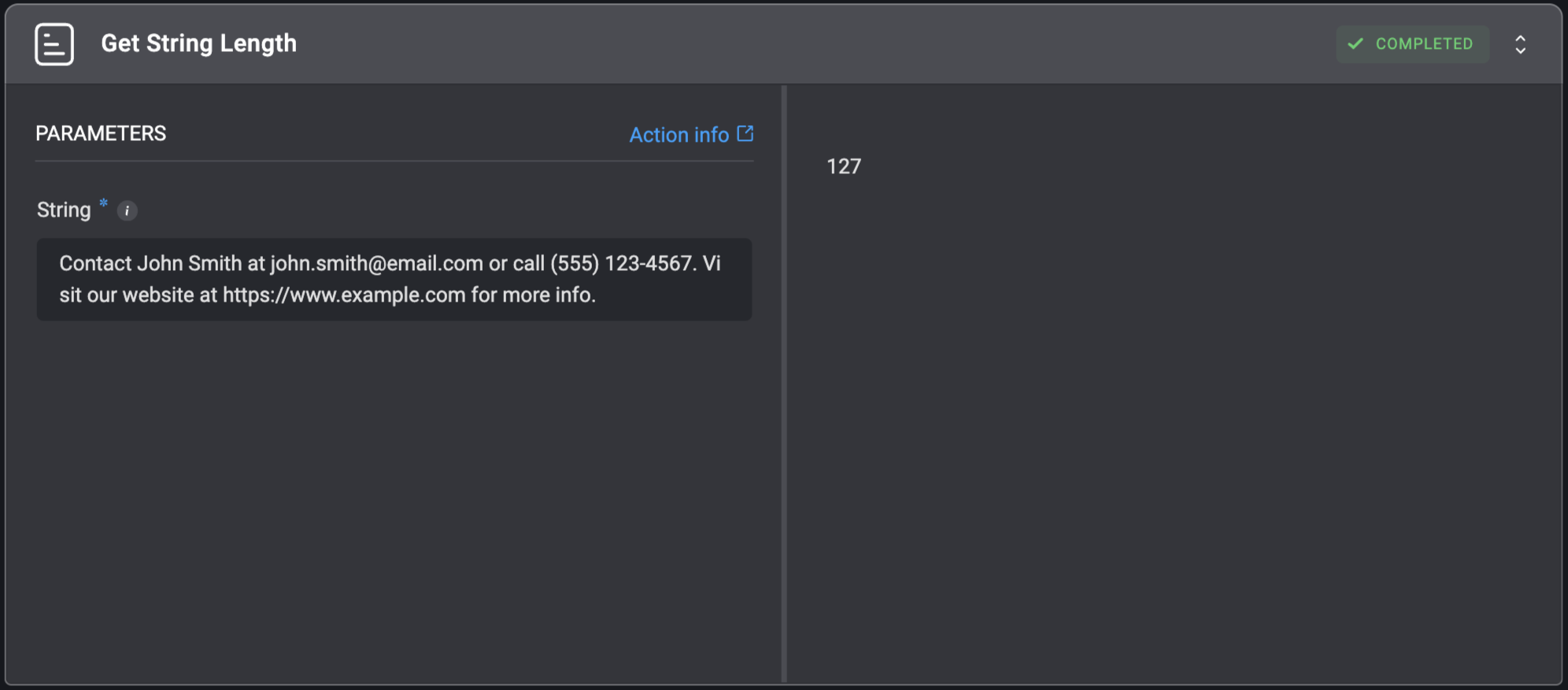
 ## Get String Length
Get length of a string.
## Get String Length
Get length of a string.
| Parameter | Description |
| --------- | --------------------------------------------------------------------------------------------------------------------- |
| String | The string whose length will be returned. For example: For the string - `Hello World`, the returned value will be: 11 |
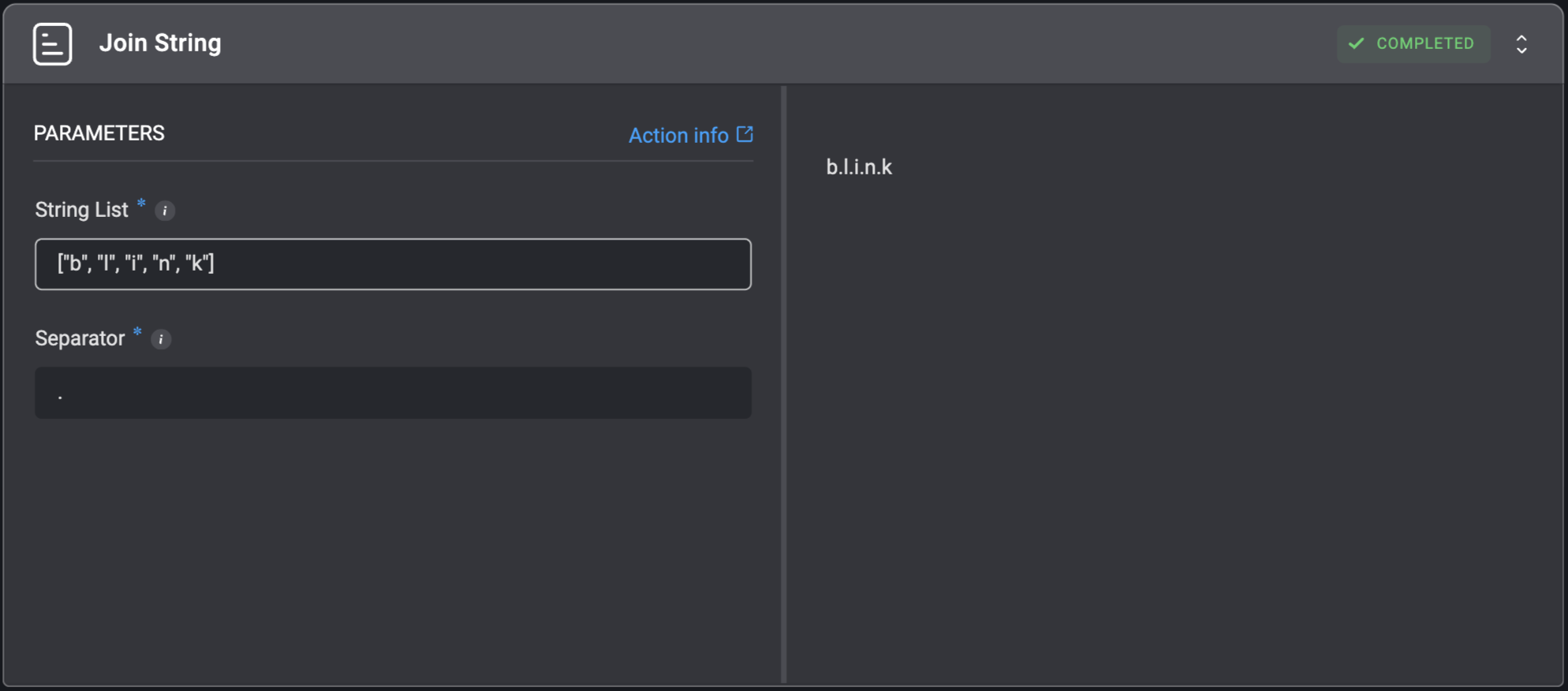
 ## Join String
Concatenate any number of strings into a single string using an optional separator. Equivalent to Python's join() method.
## Join String
Concatenate any number of strings into a single string using an optional separator. Equivalent to Python's join() method.
| Parameter | Description |
| ----------- | ------------------------------------------------------------------------------------------------------------------------------------------------------------------------------------------------------------------------------------------------------------------------------------------ |
| String List | The list of strings that needs to be concatenated. Also, it could be a single string like `"blink"`. In this case, each character will act as a 'substring'. For example: The input string - `"blink"` (with quotes) will act the same as the following input: `["b", "l", "i", "n", "k"]` |
| Separator | The string that will be inserted in between each one of the 'Strings'. For example: For the string list - `["I", "Love", "Blink"]` and the separator - `#`, the returned string will be: `I#Love#Blink` |
 ## Replace String
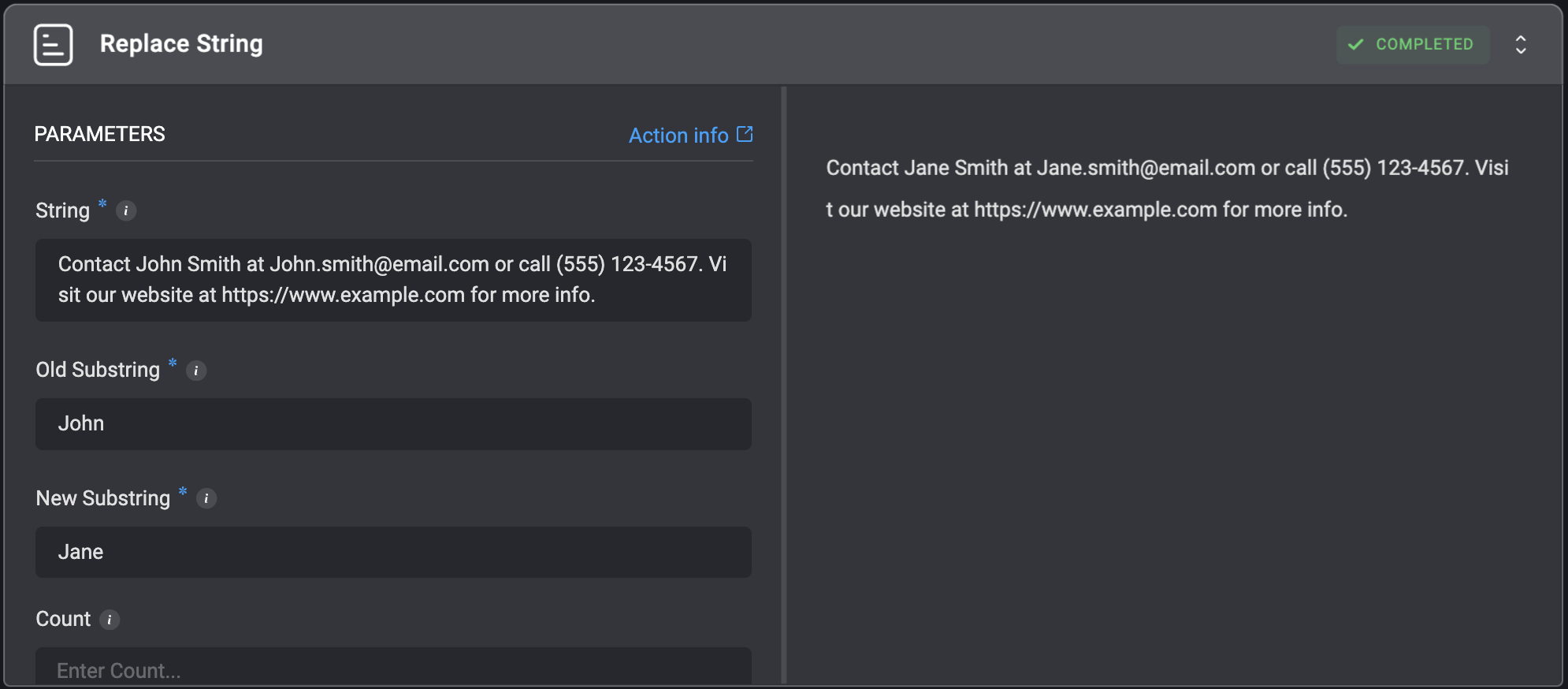
Replaces a given substring with another string.
## Replace String
Replaces a given substring with another string.
| Parameter | Description |
| ------------- | ---------------------------------------------------------------------------------- |
| String | The original string where replacements will be made. |
| Old Substring | The substring to be find within the original `String` parameter. |
| New Substring | The replacement substring. |
| Count | The maximum number of replacements to perform. If empty, replaces all occurrences. |
 ## Split String
Splits a given string according to the specified delimiter and returns a list of substrings.
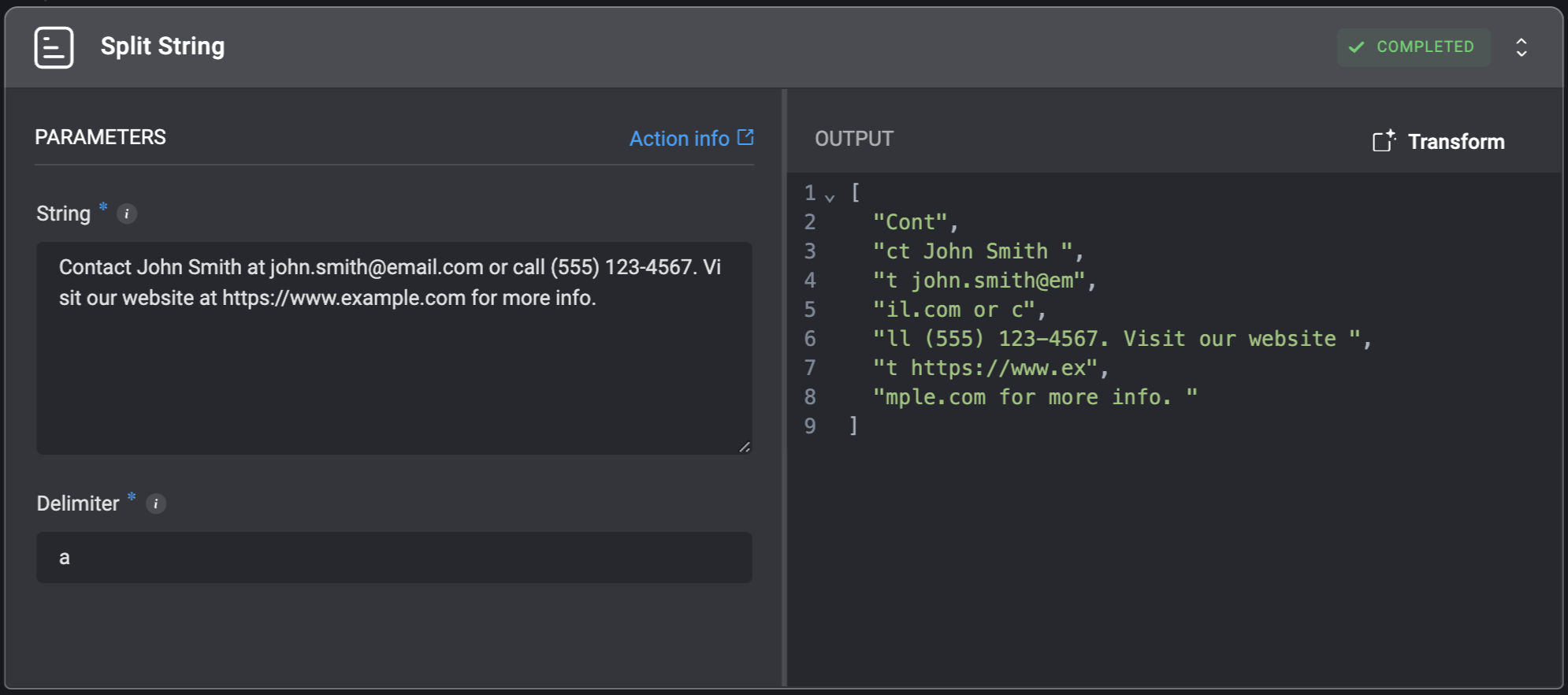
## Split String
Splits a given string according to the specified delimiter and returns a list of substrings.
| Parameter | Description |
| --------- | ------------------------------------------------------------------------------------------------------------------------------------------------------------------------------------------------------------------------------------------------ |
| String | The string that needs to be split. |
| Delimiter | The delimiter based on which the string will be split. For example: For the string - `Hello there, this is Blink's example!` and the delimiter - `,`, the returned list looks like the following: `["Hello there", " this is Blink's example!"]` |
 ## Trim Spaces
Removes all leading and trailing whitespaces from a given string.
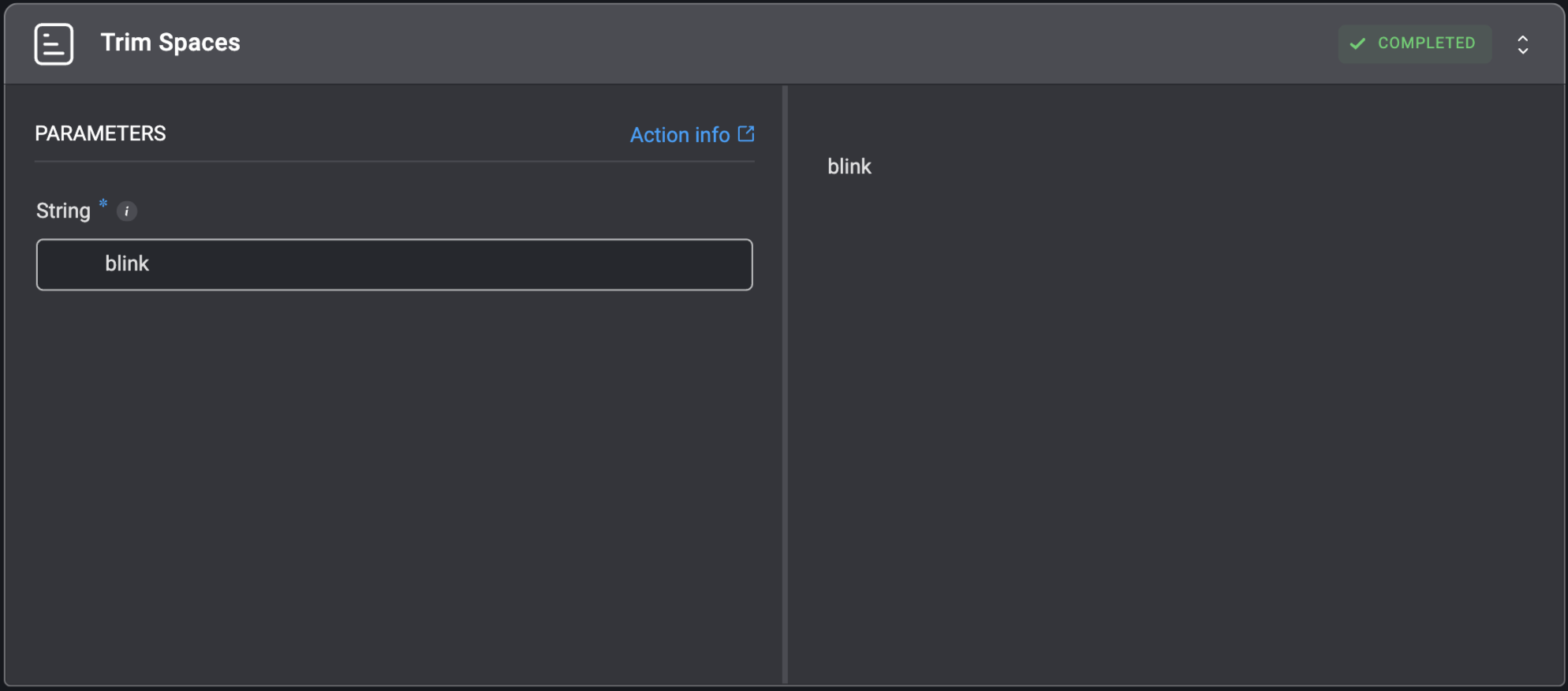
## Trim Spaces
Removes all leading and trailing whitespaces from a given string.
| Parameter | Description |
| --------- | ------------------------------------ |
| String | The string that needs to be trimmed. |
 ## Trim String
Shorten a string from either or both sides, using optional `Start` and `End` indexes. This action is based on Python's array slicing, where the start index is included and the end index is excluded.
For example, using the string `blinkops` and the input indexes `0` and `-3`, the output will be: `blink`. The same as if the `End` index was `5`.
Additional options:
* Use only `Start` to trim from the beginning: `Start: 2` → `inkops`
* Use only `End` to trim from the end: `End: 5` → `blink`
* Leave both empty to get the full string
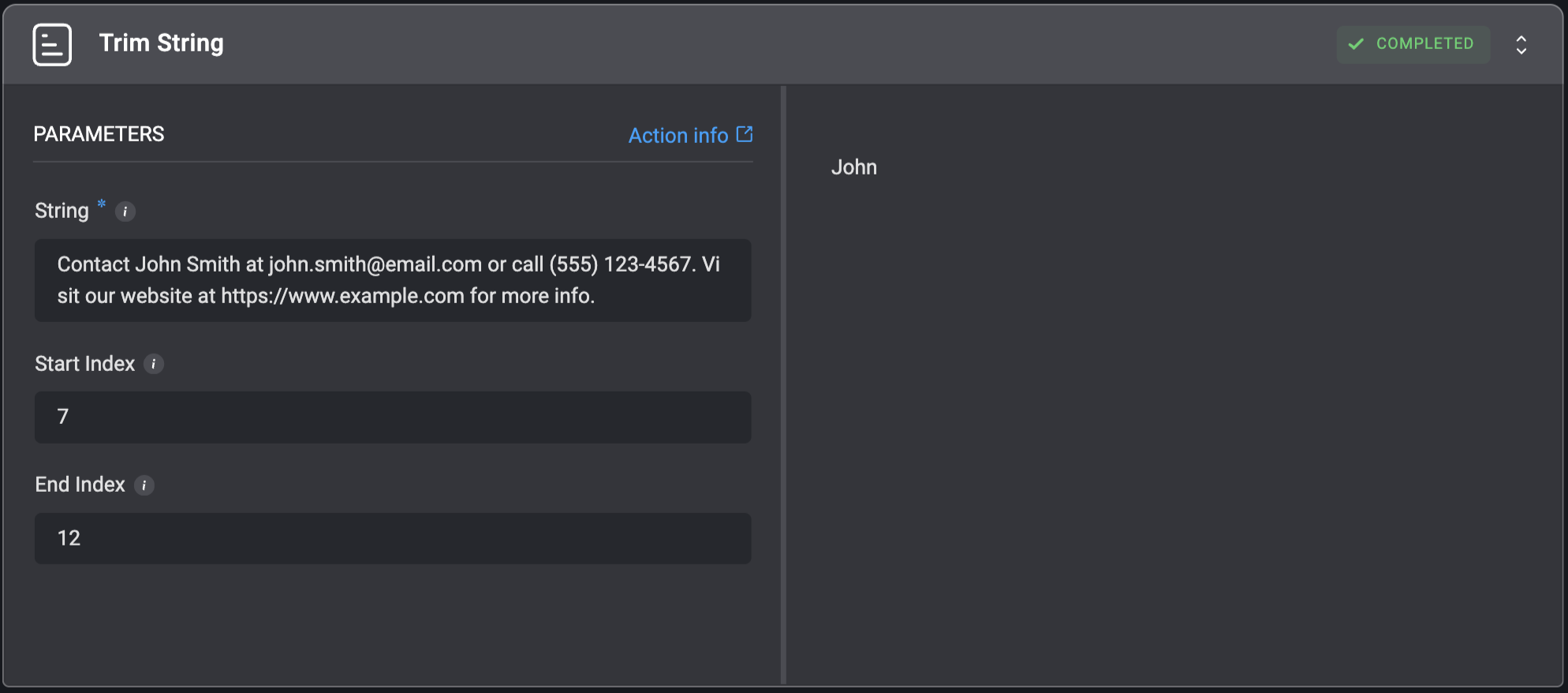
## Trim String
Shorten a string from either or both sides, using optional `Start` and `End` indexes. This action is based on Python's array slicing, where the start index is included and the end index is excluded.
For example, using the string `blinkops` and the input indexes `0` and `-3`, the output will be: `blink`. The same as if the `End` index was `5`.
Additional options:
* Use only `Start` to trim from the beginning: `Start: 2` → `inkops`
* Use only `End` to trim from the end: `End: 5` → `blink`
* Leave both empty to get the full string
| Parameter | Description |
| ----------- | -------------------------------------------------------------------------------------------------------------------------------------------------------------------------------------------------------- |
| String | The string that needs to be trimmed. |
| Start Index | The index of the first character you want to **include** in the slice. The string will be trimmed from this index (inclusive). **Note**: The first character's index is `0`. |
| End Index | The index of the first character you want to **exclude** from the slice. The string will be trimmed to this index (exclusive). **Note**: The last character's index is `-1` or the length of the string. |
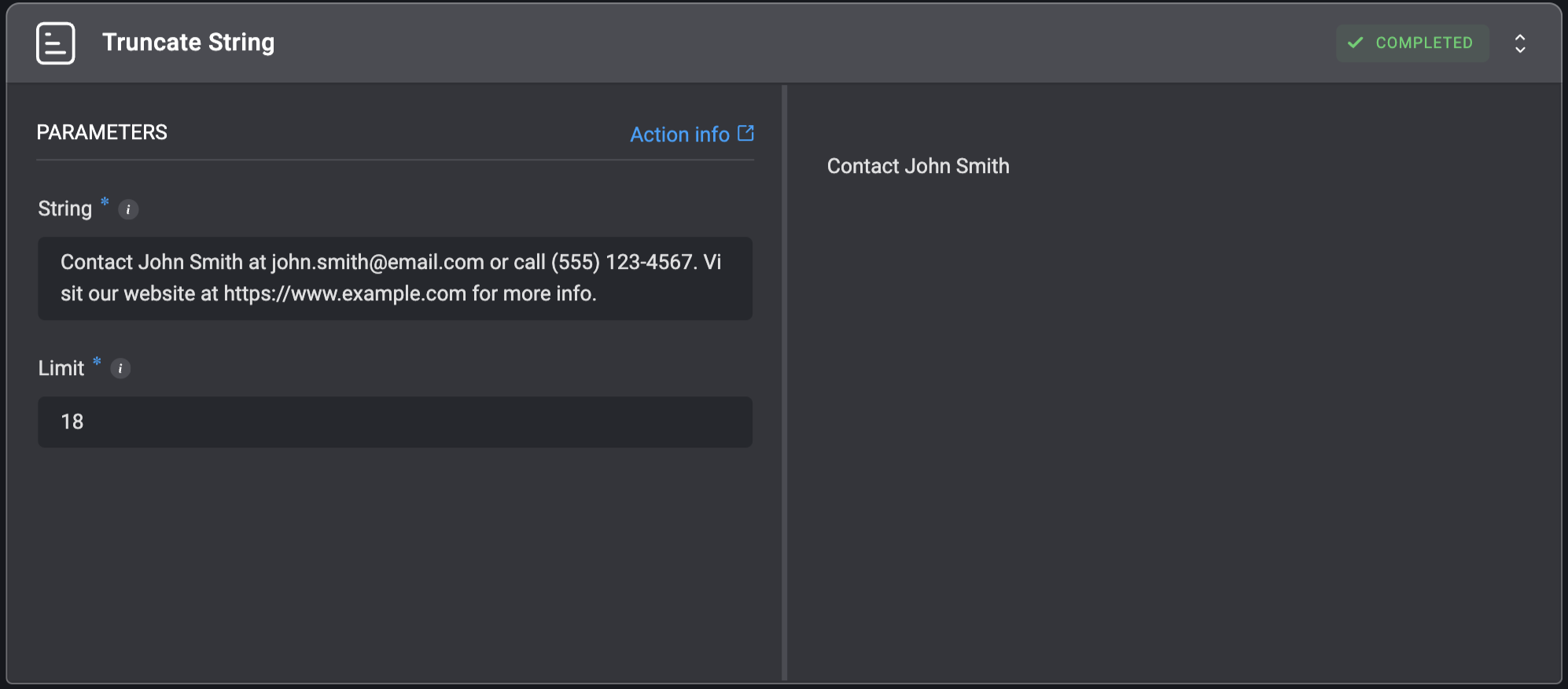
 ## Truncate String
Shortens a given string to a limited number of characters.
## Truncate String
Shortens a given string to a limited number of characters.
| Parameter | Description |
| --------- | --------------------------------------------------------------------------------------------------------------------------------------------------------------------------------------------------------------------------------------------------------------------------------------------------------------- |
| String | The string that will be shortened. |
| Limit | The amount of characters the string will be limited to. For example: For the string - `Hello World` and the limit `8`, the returned value will be: `Hello Wo`
**Note**: You can truncate the string from the end using a `Negative Limit`. For instance: the limit `-2` will remove the last 2 characters. |