> ## Documentation Index
> Fetch the complete documentation index at: https://docs.blinkops.com/llms.txt
> Use this file to discover all available pages before exploring further.
# Using Workflow Templates as an Existing Blink User
> Premium users can access, import, and use all templates, free and Premium, in the Workflow Library
**INFO**
* Premium users can access, import, and use all templates, free and Premium, in the Workflow Library. Free users can access and import all free Workflow, but cannot import premium Workflow.
* If you're trying to access a template in the [Blink Library](https://library.blinkops.com/workflows) webpage, you'll be redirected to the sign-up page before you can use the template you selected.
## Using a Workflow from the Templates Feature in the Blink Platform.
1. In the left-hand side navigation menu, click on the "Template" tab. You will be directed to the "Template" page.
2. Choose a Workflow Template you would like to use and click on the Workflow's name. The Workflow details will be displayed.
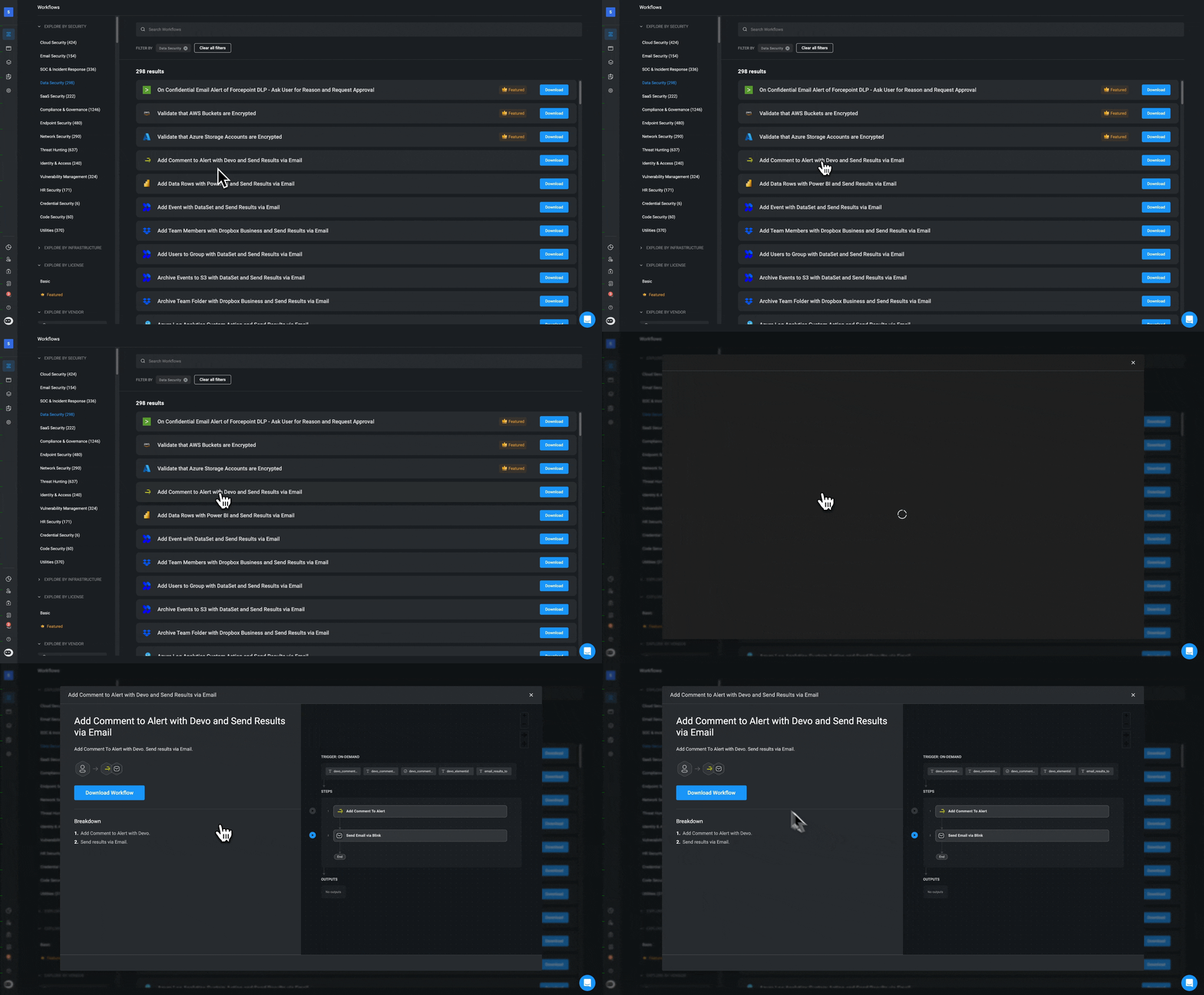 3. Click the "Download" button.
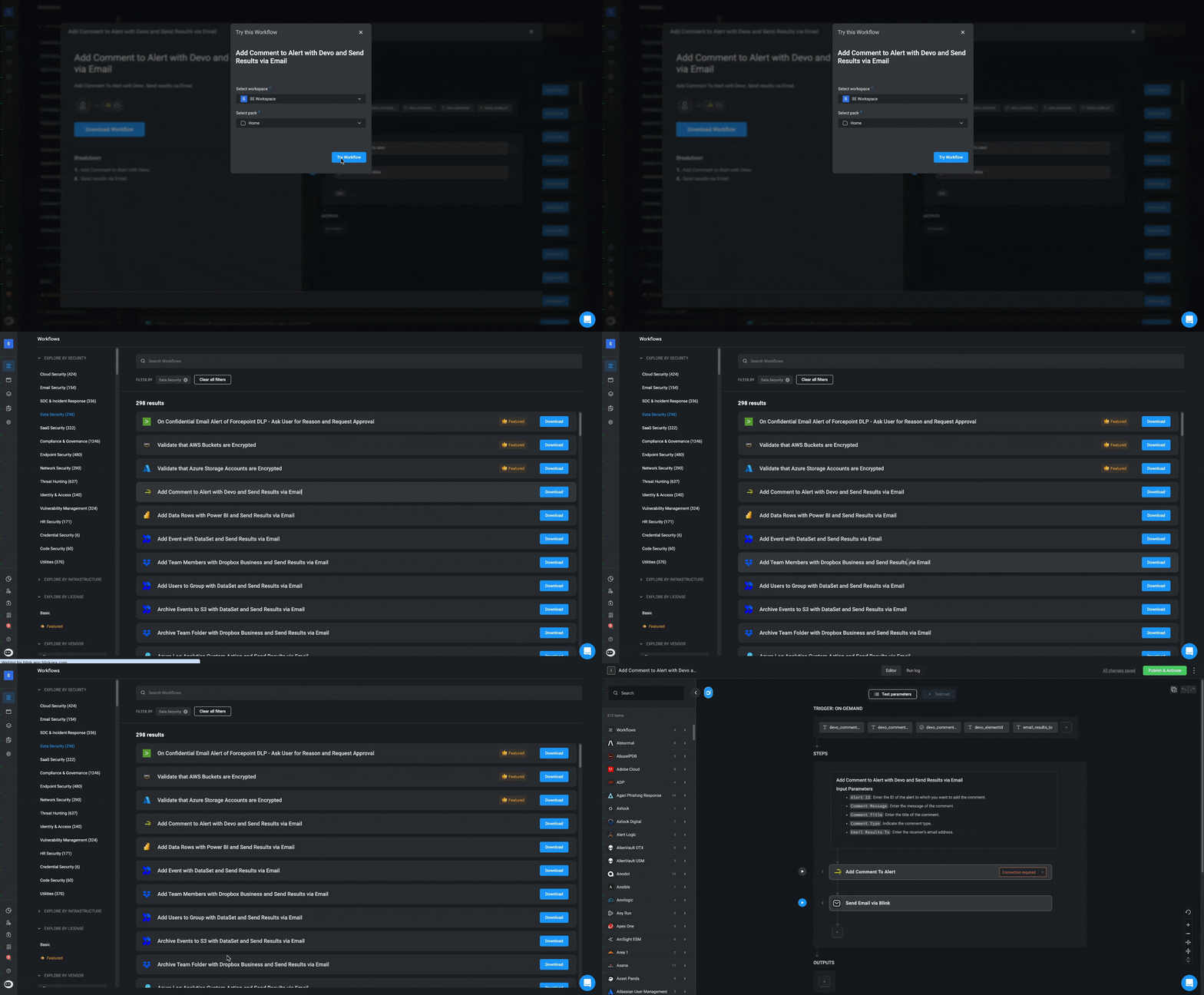
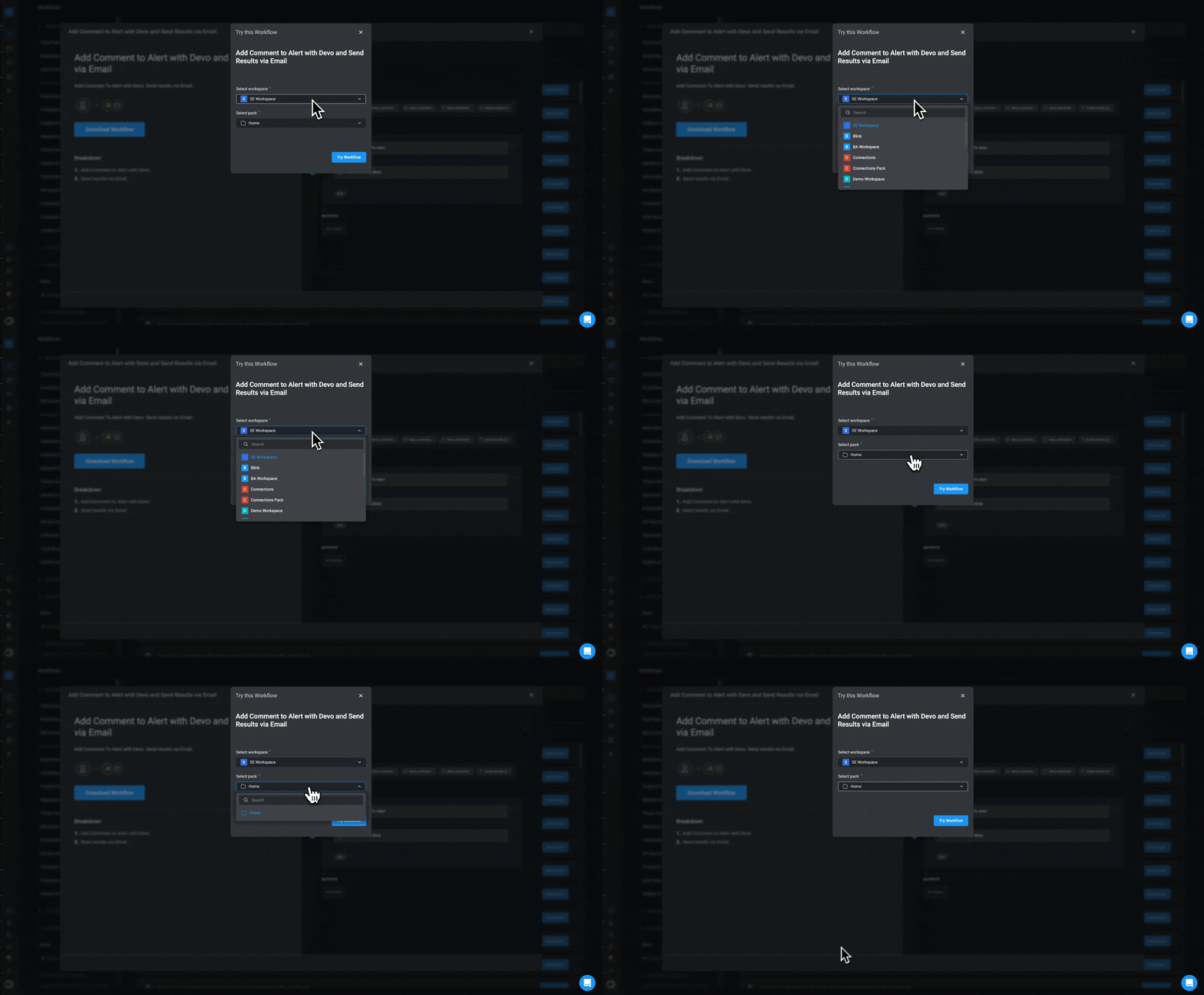
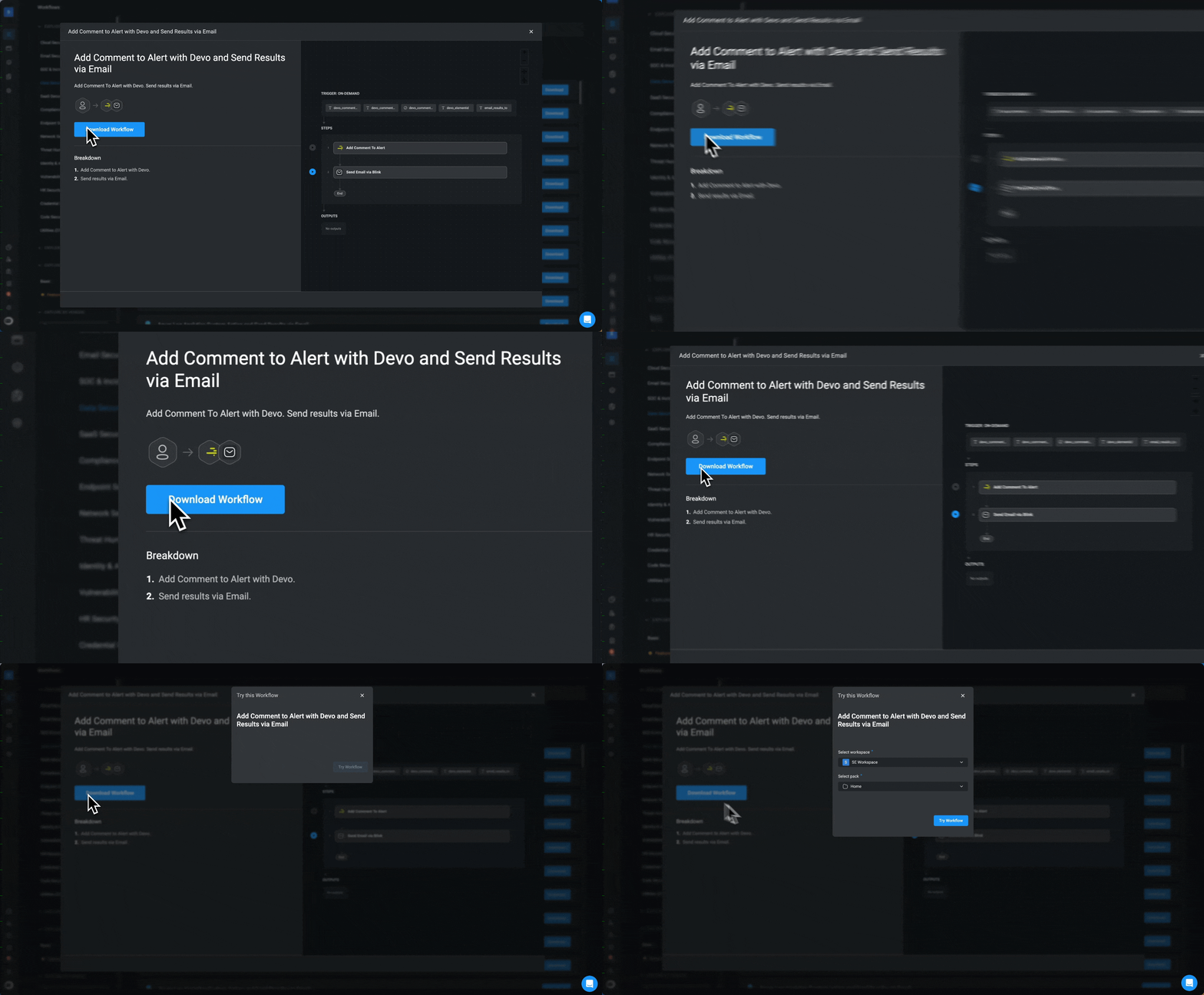 4. A *Try this Workflow* pop-up opens. Select a Workspace and a Pack, click on the "Try Workflow" button. The default Pack is **Home pack**.
 5. You will be directed to the [Workflow Editor](/docs/workflows/building-workflows/workflow-editor) page of the selected Workflow. Edit the Workflow template to suit your needs.