Sharing Dashboards to the Blink Portal
To view a dashboard you created in the Blink Portal, you must first publish and share it. By default, the dashboard is shared only with you, but you can choose to share it with additional users or groups to provide them access. Follow these steps to publish and share a dashboard you created in the Blink Portal:1
In the top-right corner of your dashboard, click the Publish button to start the sharing process.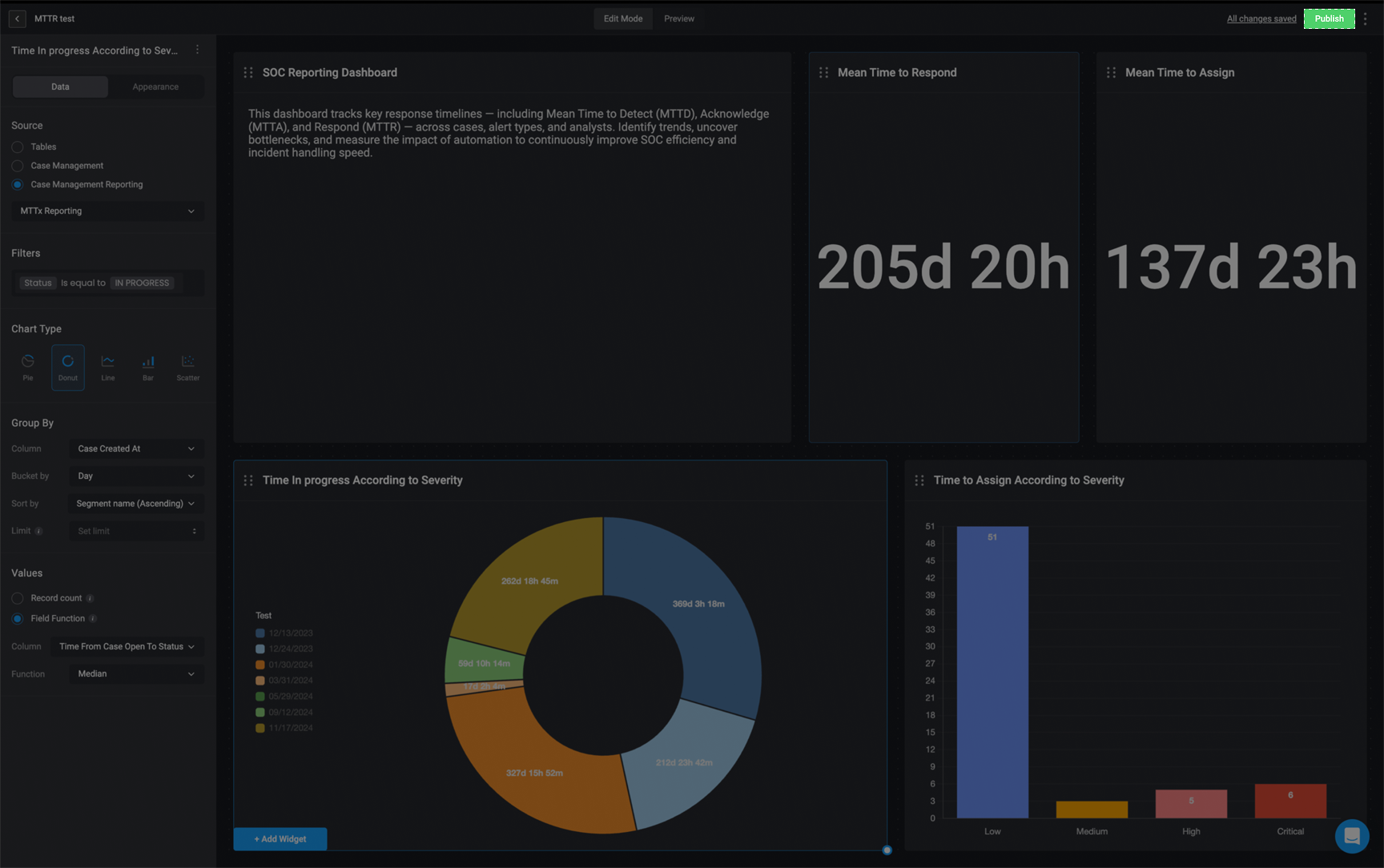
2
A pop-up will appear asking you to confirm that you want to share the dashboard. Click Confirm to proceed.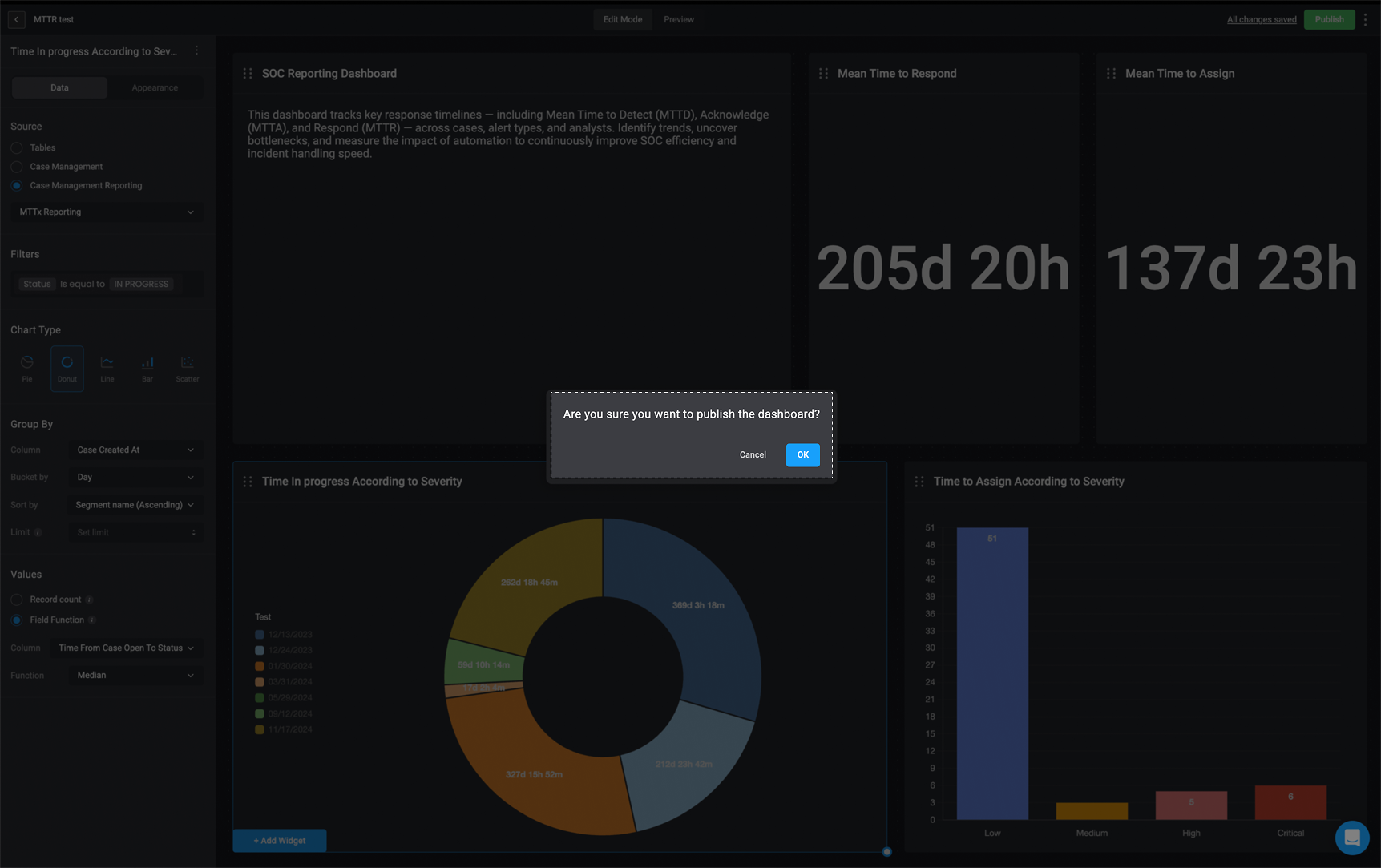
3
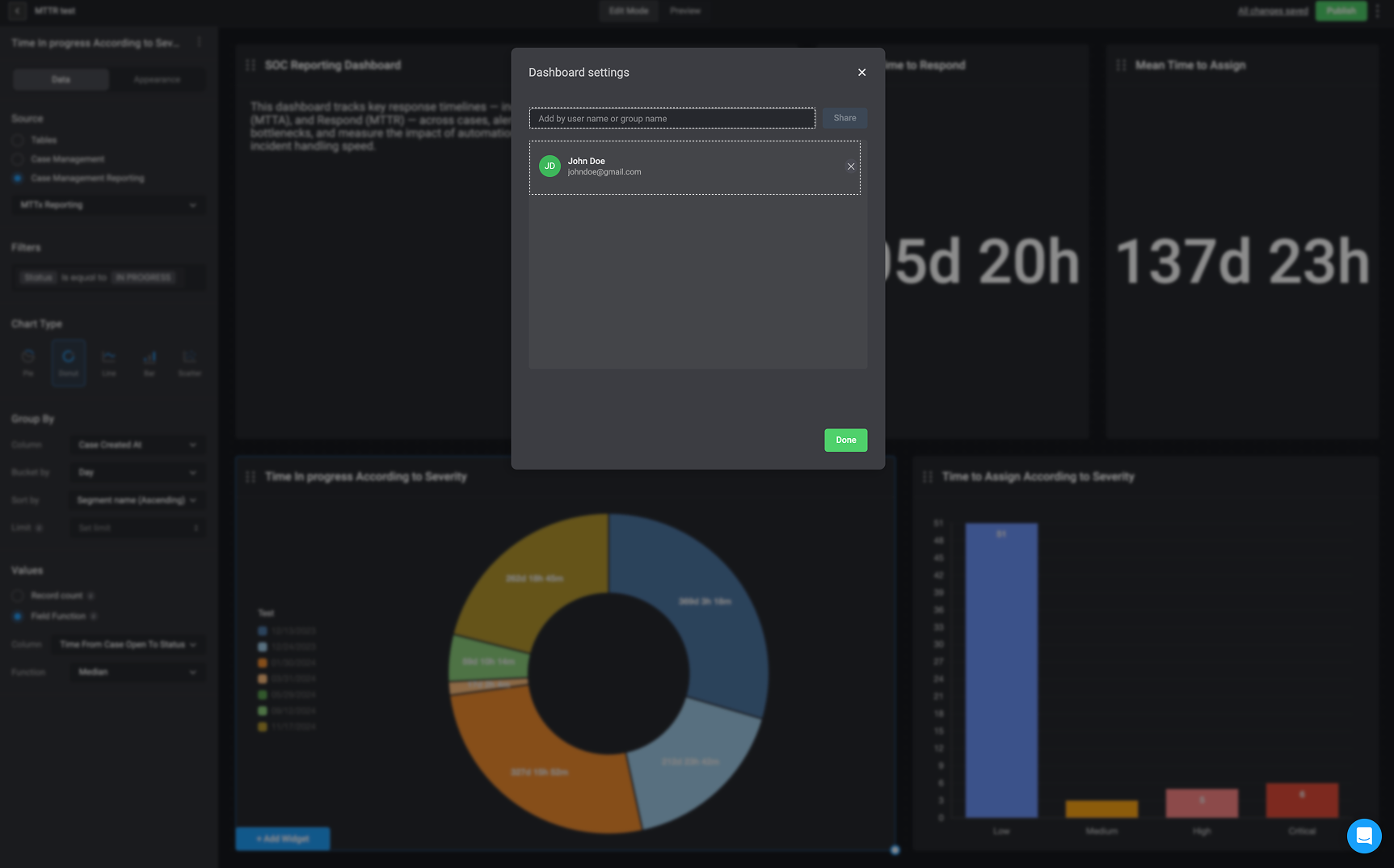
After confirmation, you can enter the username(s) or group name(s) you want to share the dashboard with. By default, the dashboard is automatically shared with you and can now be found in the Blink Portal.