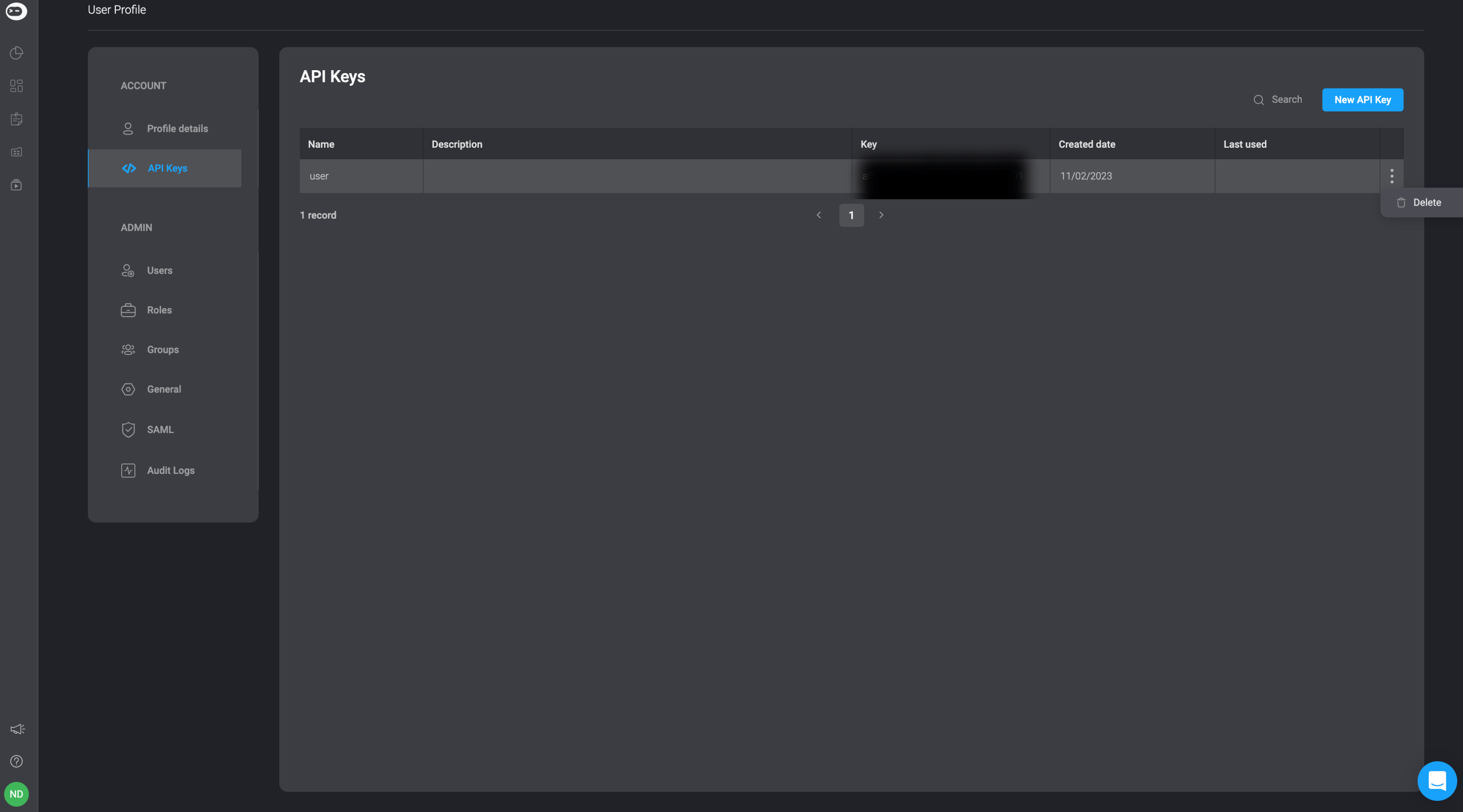
In the API Keys settings page you can manage your personal API keys of the Blink platform. You can create, delete and edit your API keys.Documentation Index
Fetch the complete documentation index at: https://docs.blinkops.com/llms.txt
Use this file to discover all available pages before exploring further.
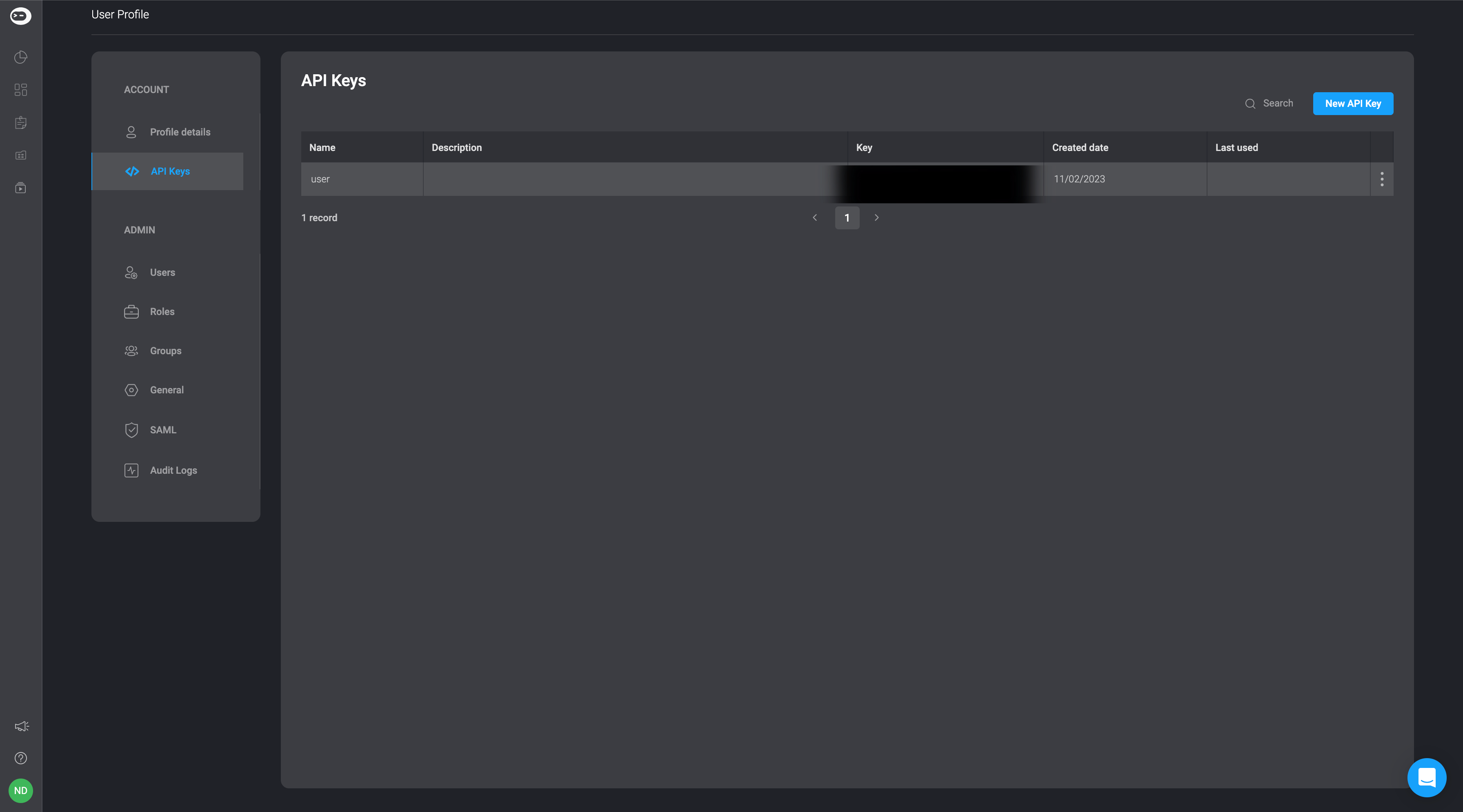
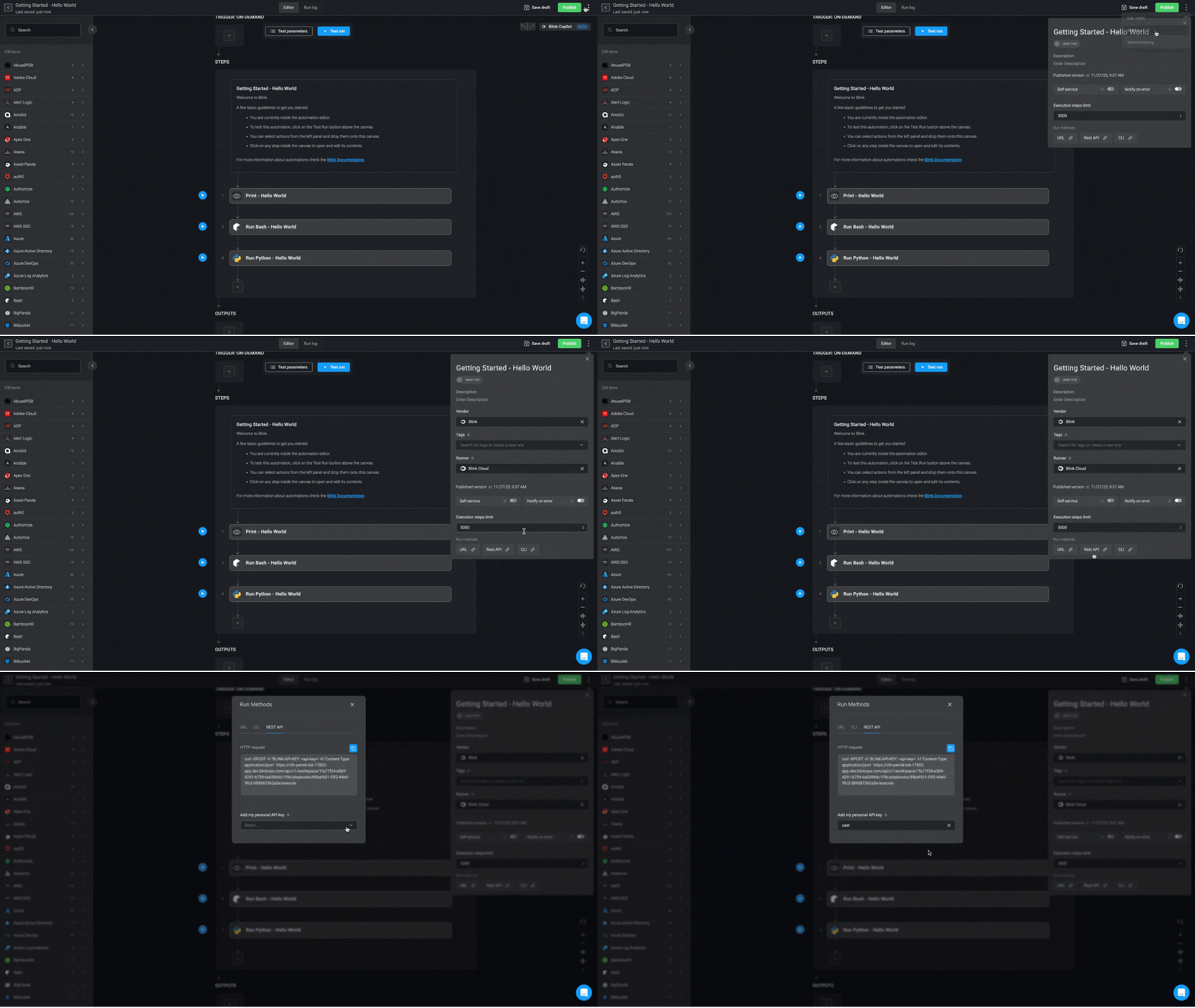
NOTE: There always has to be one API key available. The maximum number of API keys at any given time is
5.Create API Key
Give your API key a name and optionally add a description for your API key. Then click the create button in the bottom-right corner.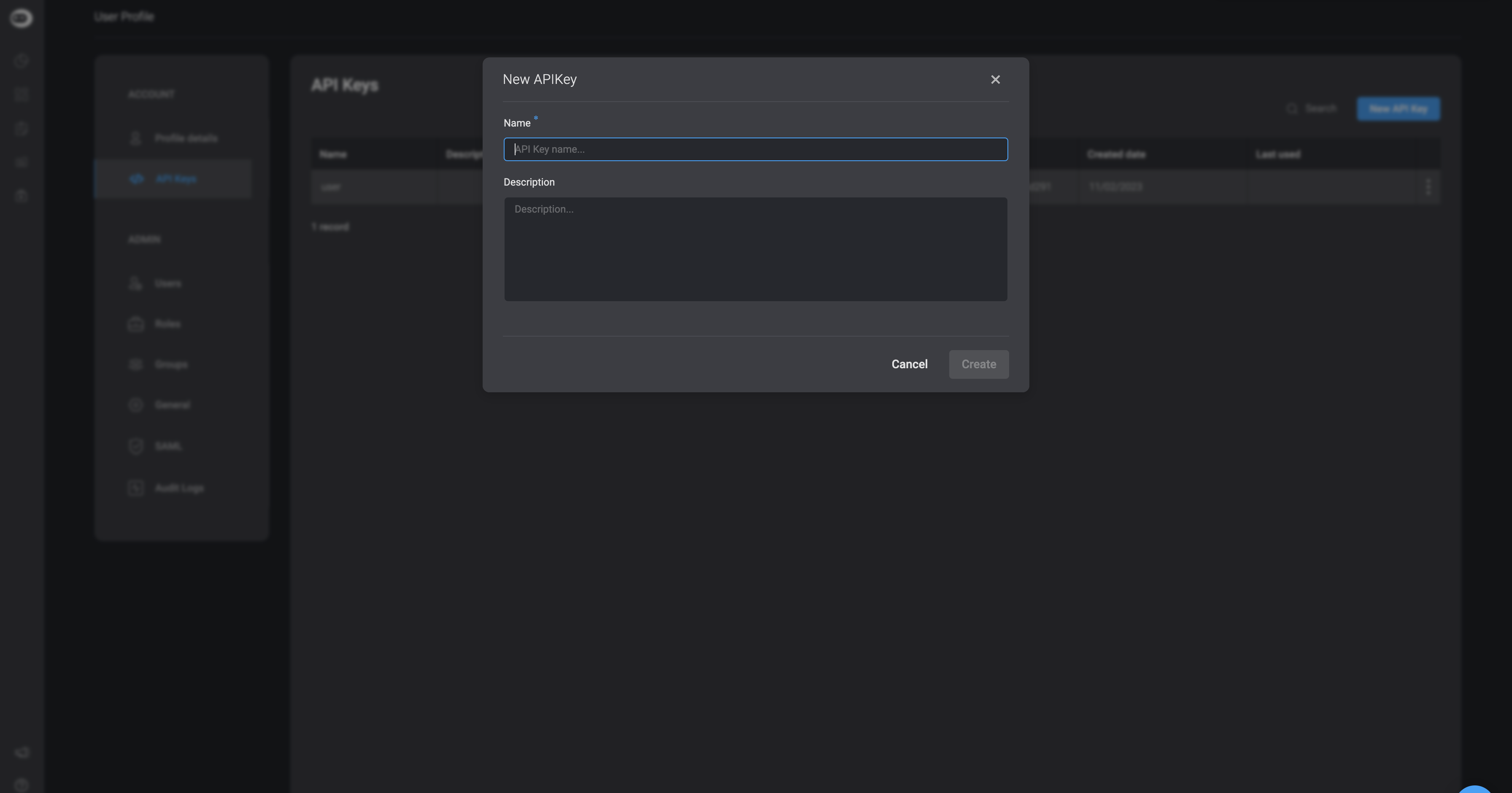
Generate a New API Key
Note: This setting can only be used with the default API key.
Edit API Key
If you want to make any changes to the API information, double click on the cell and make the desired changes. You can change the API key name or description.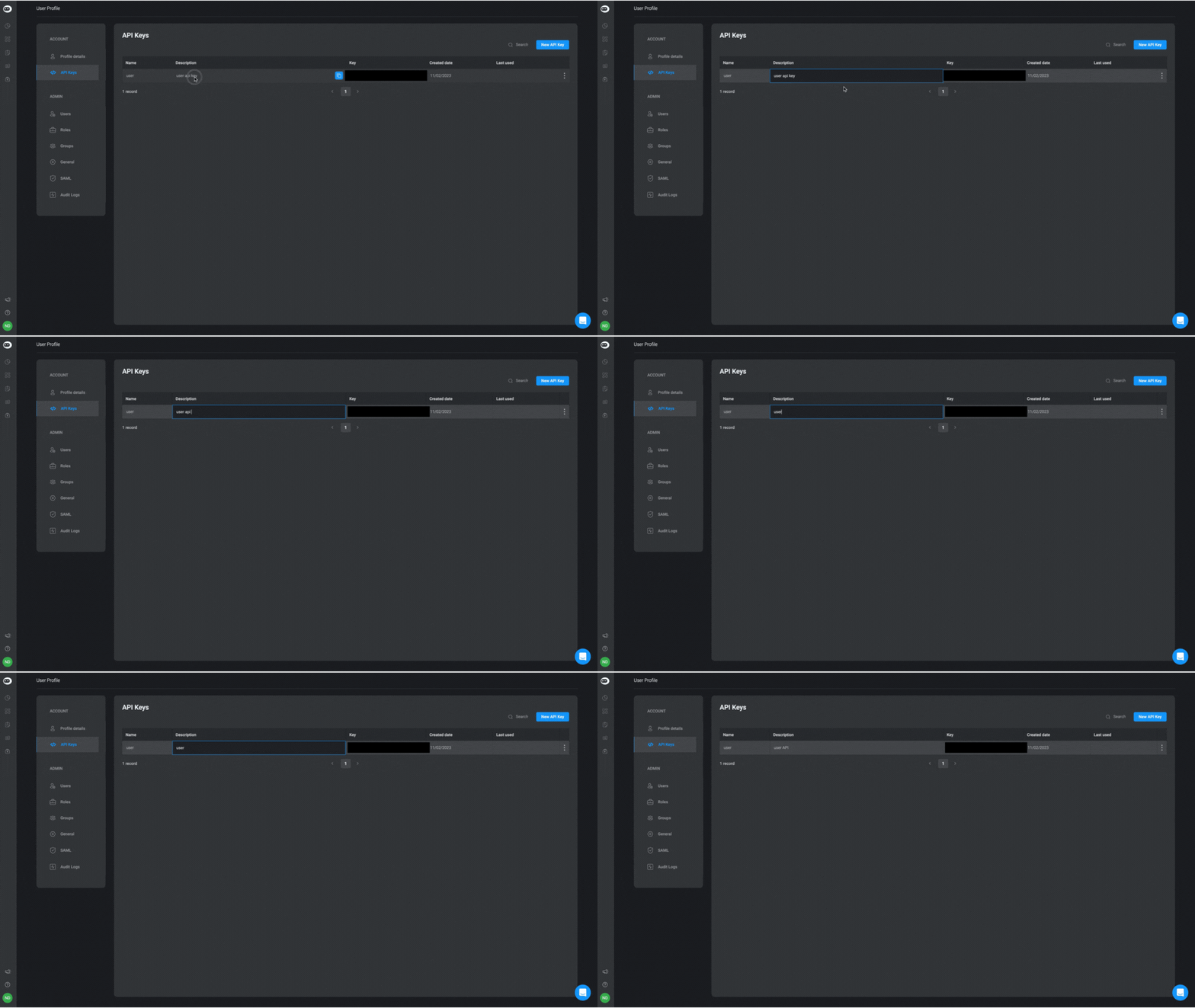
Delete API Key
If you want to delete an API Key, click on the icon on the right-hand side of the row and select the delete option.