

Case Deduplication Action
The Case Deduplication action relies on defined conditions—such as matching observables (e.g., usernames, file hashes, IP addresses) and their relationships— defined in the Deduplication Rules section to determine if a new alert is part of an existing investigation. When a match is found, the alert and its observables are linked to the existing case, enabling more efficient triage, investigation, and response. If no match is found, a new case is created entirely.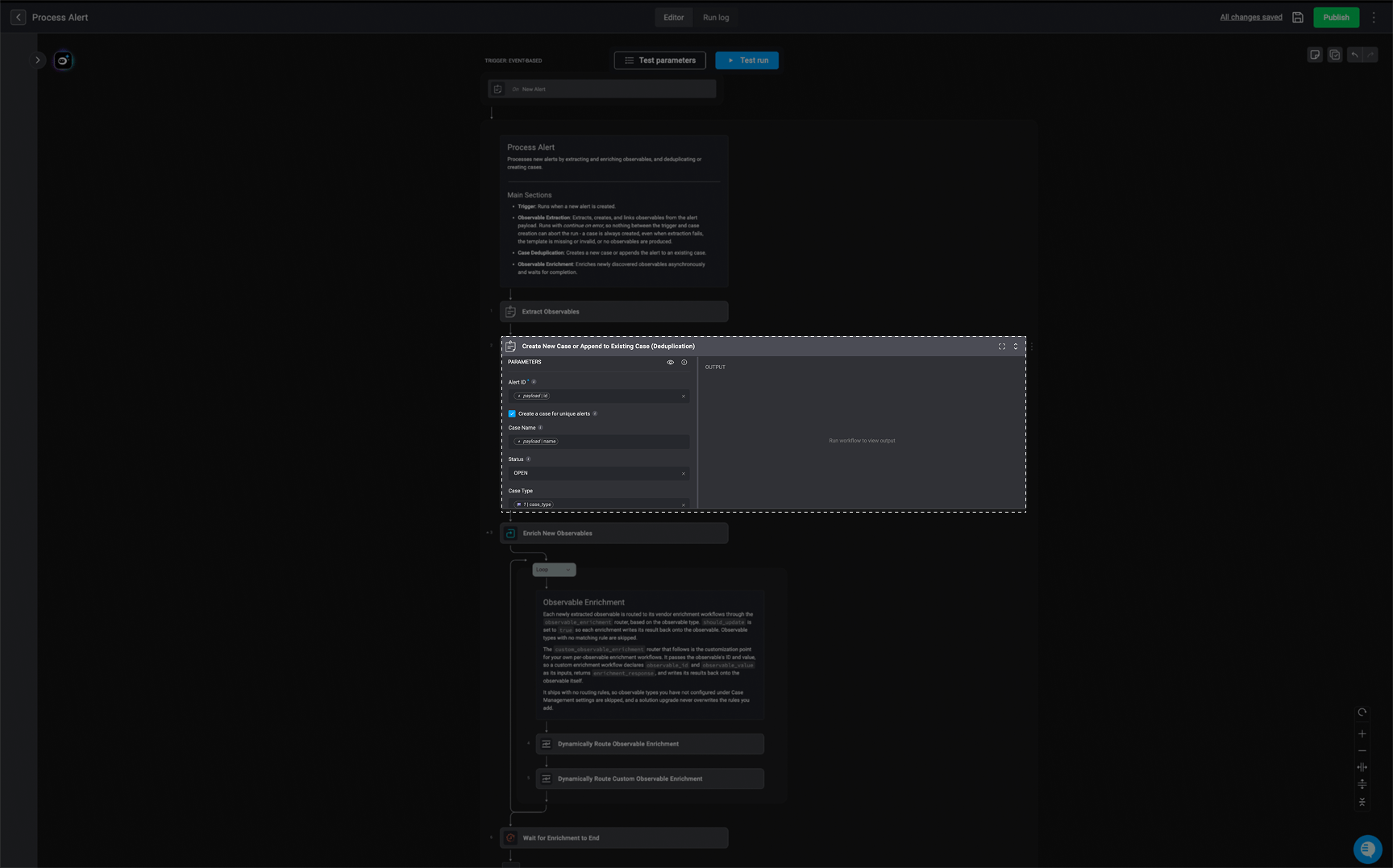
How It Works
-
Duplication Check
- When an alert is processed, the action first looks for a matching deduplication rule based on the alert name and/or vendor associated with the alert. These rules are defined in the Deduplication Rules Section.
-
These rules specify the criteria for identifying whether an incoming alert should be linked to an existing case.
-
Name-Based Check:
- If the deduplication rule focuses on the alert’s name, the system searches for cases with the same name. If a match is found, it updates the variables to include details from the duplicate case.
-
Observable-Based and/or Relation-Based Check:
- If the rule uses observables (e.g.,
file hashes,IPs,URLs) or observable relations (such as “Source” or “Created By”), the system searches for cases related to those observables or observable relations.
- If the rule uses observables (e.g.,
-
Name-Based Check:
-
Linking to an Existing Case:
- If a match is found, the system links the alert and its observables and its relations (if they exist) to the identified existing case. This helps consolidate all related information under one case, making it easier to analyze and respond efficiently.
- The system considers the following during the deduplication check:
- Open cases are always eligible for deduplication.
- Closed cases are considered only if they fall within a defined lookback period, which determines how far back the system searches for duplicates among closed cases.
-
Creating a New Case:
- If no duplicate is found, the system creates a new case. It pulls relevant data from the alert, such as observables and metadata, and structures it into a new case record.
Case Deduplication Action Fields
Case Deduplication Action Fields
Note: To prevent the step from failing, make sure the specified vendor is added in the ‘Vendors’ tab under the Case section of Case Management Settings. If you check the ‘Append Alert’s Vendor’ option without first adding the vendor, the step will not run successfully.
‘Case Deduplication’ Action Output
When a deduplication match is found, the alert is automatically associated with the appropriate case, helping reduce redundancy and improve investigation efficiency. If no match is found, a new case will be created. The structuredJSON output provide output from this action informs downstream workflow steps about how the alert was handled, which case it relates to, and what observables were involved.
Note: The following images and
JSON outputs are provided for illustrative purposes only. The actual results you see may vary depending on how you have configured the Case Deduplication action and the associated Deduplication Rules.'Case Deduplication' Action Output Example
'Case Deduplication' Action Output Example